
A guest content program needs a reliable record of what the business may use, not simply a folder full of attractive photographs. Before a photo reaches the marketing team, someone needs to identify its creator, resolve the intended permission scope and connect the approval to the correct file.
For hotels building a romance travel content library, this workflow starts at collection and continues after publication. Once the assets are cleared and organized, the separate guide to selecting and placing guest photos explains how to use them on relevant pages.
Key Takeaways
- Invite submissions without implying that sharing transfers rights.
- Confirm the photographer and proposed use before approval.
- Store permission evidence beside a stable asset identifier.
- Separate pending files from content cleared for a specific channel.
- Track published placements so changes and removals can be handled.
Define the request before collecting files
Choose a narrow editorial need, such as photos of the garden ceremony space or a particular dining experience. Specify whether the team is considering website, email, organic social or paid advertising use. This gives the contributor a concrete request to evaluate.
Use an optional invitation in an appropriate guest communication. Explain where to submit files, what information the team needs and whom to contact with questions. A hashtag can help discover content, but it should not substitute for a submission and review process.
Avoid making promotional participation feel like a condition of service. A wedding or honeymoon can involve private moments, family members and other people whose wishes the marketing team does not know. Give contributors a straightforward way to decline without further pressure.
Check the creator and the proposed permission scope
The US Copyright Office’s photography guidance, revised August 2019, says the photographer generally owns copyright. Being pictured in a photo, possessing it or finding it online does not by itself establish a right to reuse it. A hashtag, upload or credit alone is not marketing permission. Confirm the rights holder and appropriate authorization. Privacy, likeness and commissioned-photographer agreements remain separate questions; this guidance does not provide a universal release for them.
For a professionally photographed wedding, ask who took the image and whether the submitter can authorize the proposed use. Hold the file if the answer is unclear. Have the appropriate reviewer address unresolved rights or privacy questions before marketing receives an approved copy.
An internal permission checklist can cover the following questions without pretending to be a legal contract:
- Which exact files does the request cover?
- Who created them, and who is authorizing the use?
- Which channels and purposes are proposed?
- Are cropping, editing, credit or identification conditions specified?
- Is a duration or other restriction recorded?
- Who reviews questions about people shown or other unresolved rights?
Use terms suited to the business and applicable jurisdiction, with appropriate advice where needed. Do not promise that a generic checkbox resolves every issue.
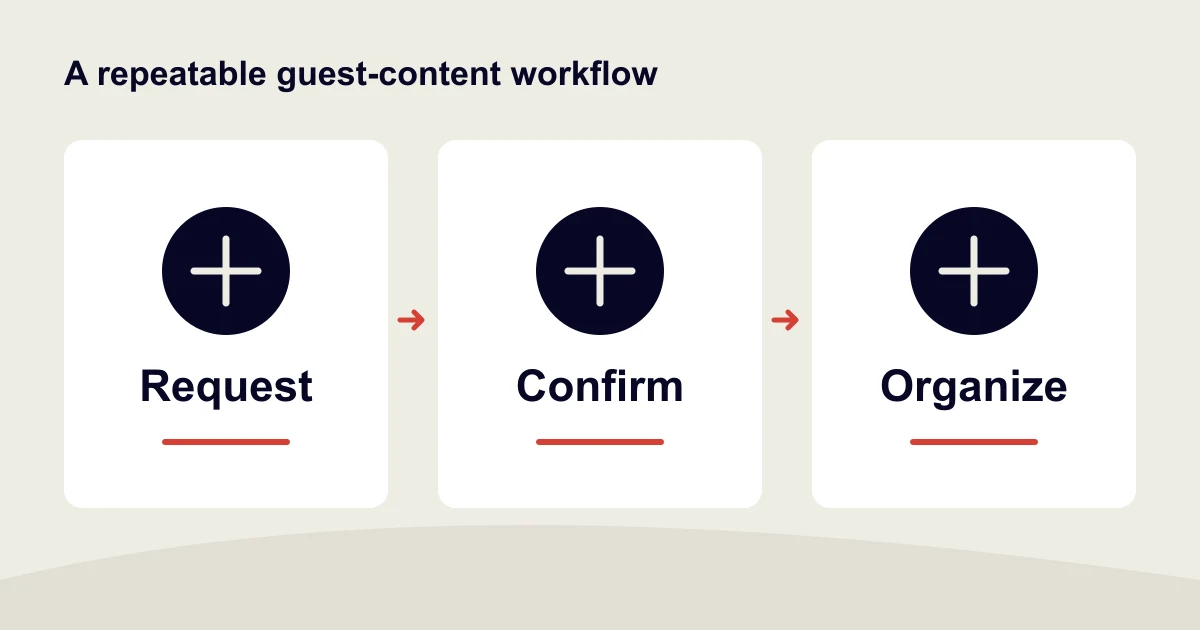
Keep the file and approval connected
Assign each submission an asset identifier that stays consistent across the original file, edited versions and permission record. Preserve the original separately so the team can check a crop or resolve confusion about which image was approved.
A shared register can be sufficient if staff use it consistently. The following table is an illustrative record structure, not a claim about any particular software or legal requirement.
| Field | Purpose |
|---|---|
| Asset identifier and file location | Connects the register to the correct original. |
| Creator and contributor contact | Records whom the team needs to contact. |
| Venue, room or experience shown | Helps staff avoid inaccurate placements. |
| Capture date or season, if known | Supports accurate context and later review. |
| Permission evidence and review status | Separates unresolved files from cleared assets. |
| Approved channels and restrictions | Defines the scope staff must check before reuse. |
| Credit and identification instructions | Keeps agreed presentation details accessible. |
| Publication locations and review date | Supports updates, expiry checks and removals. |
Keep contributor details and permission documents accessible only to staff who need them. A public media folder should contain the publishable asset, not private correspondence or contact information.
Make approval states unambiguous
Use clear internal states such as submitted, awaiting information, approved for specified use, and retired. An attractive image awaiting a photographer’s response belongs in the pending group, not a general folder that designers treat as cleared.
Name the person responsible for each decision. Guest services may receive a submission, a designated reviewer may check the record, and marketing may prepare the placement. If one person handles all three jobs, keep the checks distinct in the register so a later colleague can follow them.
Record the exact approved version when edits matter. Do not assume that permission for one photo covers an entire album, or that organic social use automatically includes paid advertising. New uses should trigger a scope check.
Review placements after publication
Add the page URL, campaign or other placement to the asset record when it goes live. Include derived versions such as a mobile crop so the team can locate them later.
Set a review point when a permission condition expires, a property feature changes or a contributor raises a question. Route requests to the responsible person, pause unresolved uses where appropriate and record the decision and actions taken. Avoid promising that the team can remove copies from channels it does not control.
Operational reporting should focus first on the health of the workflow: unresolved submissions, missing records, approaching review dates and placements needing an update. Those measures show whether the library is manageable. Engagement and bookings require a separate marketing evaluation; the number of files collected does not establish revenue or cost savings.
Start with a limited collection request and a register the team can maintain. A smaller library with clear records is easier to use responsibly than a large folder whose permissions nobody can explain.
For deciding where an approved image belongs, use the guest-photo placement guide.