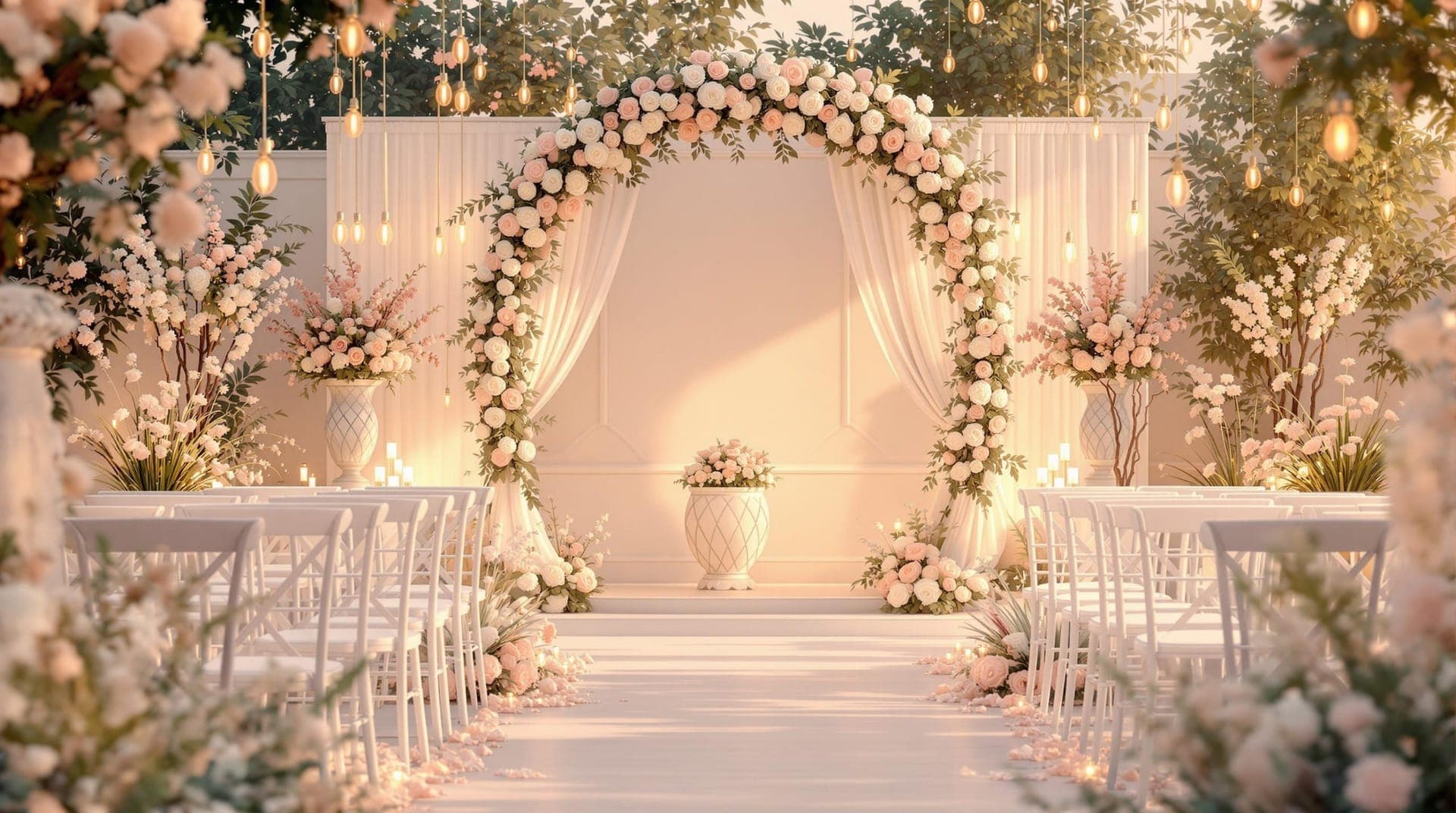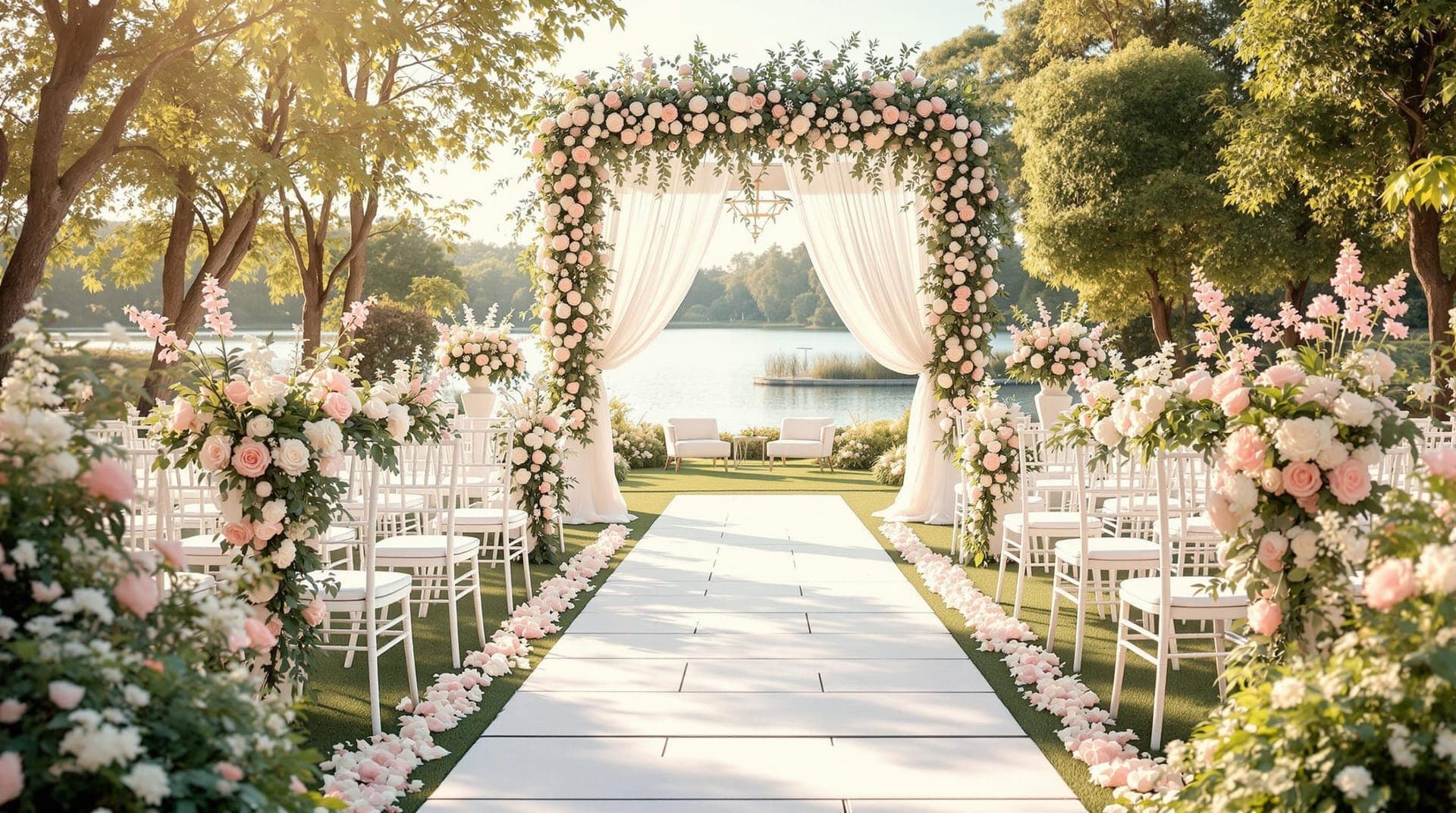
Guest photos are most useful when they help a couple evaluate a real detail: how a ceremony space looks when occupied, what a dining setup includes or how an experience feels at a particular time of year. For hotels marketing romance travel, that is a more practical selection rule than choosing the most popular social post.
Start with images cleared for the intended use. If your team still needs to request permission or organize submissions, use the separate guest content collection and asset-management guide. This guide covers the editorial decisions after that work.
Key Takeaways
- Choose photos to answer specific planning questions.
- Check that the depicted experience still matches the offer.
- Place each image beside the information it helps explain.
- Use accurate captions and descriptive alternative text.
- Evaluate inquiries and reservations separately from likes and views.
Confirm the permitted use before choosing a placement
The US Copyright Office’s photography guidance, revised August 2019, explains that the photographer generally owns copyright, even if someone else owns a copy or appears in the image. A publicly posted photograph is not automatically available for marketing reuse. A hashtag, credit or guest tag alone does not establish permission. Check the rights holder’s authorization for your proposed use; privacy, likeness and photographer contracts require separate consideration. This source does not settle those questions or supply universal legal terms.
Treat permission as a placement constraint. An image approved for an organic social post should not move into an advertisement unless the recorded scope supports that use. If the record is unclear, hold the image while the responsible team member resolves it.
Select evidence of the experience you actually sell
Begin with the questions couples ask before making an inquiry or approving a proposal. Then search your cleared library for photos that help answer them.
A wedding photo may show the distance between ceremony seating and the aisle. A dinner image may explain whether a table is private or shares a space with other guests. An activity photo may show footwear or terrain that the polished hero image leaves out.
Check the photo against the current offer. A customized wedding setup may include external decorations or furniture. A guest’s room may belong to a different category from the package being promoted. The image needs a truthful caption or a different placement if it could create an incorrect expectation.
Use this illustrative selection table during an editorial review:
| Guest question | Potentially useful photo | What the caption must clarify |
|---|---|---|
| How does the ceremony space feel with guests? | An occupied ceremony arrangement | Venue and any custom setup shown. |
| Is the dinner private? | A wider view of the actual dining area | Location and whether the arrangement is optional. |
| What does this room category look like? | A clear image of that exact category | Category and any features that vary by room. |
| What is the experience like in this season? | A dated activity or outdoor-space image | Season and whether conditions vary. |
Do not treat one guest image as proof of an experience every future guest will receive. Pair it with the current service description and any material conditions.
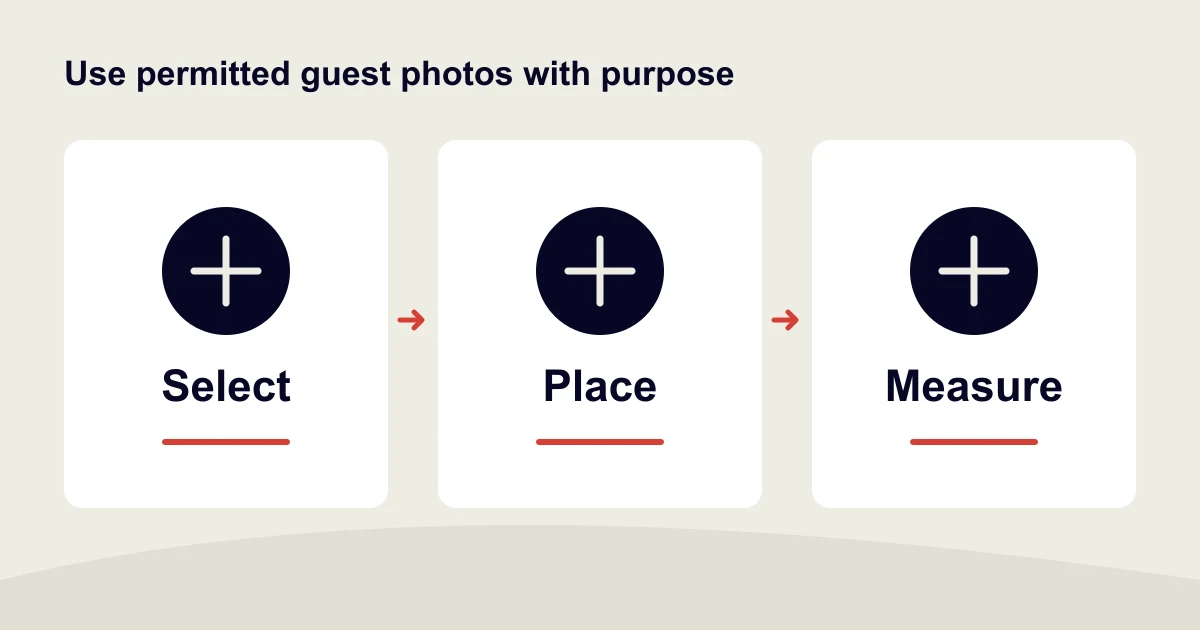
Place photos beside the decision they support
On a ceremony page, show a relevant guest image near venue capacity, layout information or the inquiry action. On a room page, keep the image beside the matching room category. A large miscellaneous gallery asks readers to do the matching themselves.
Combine guest perspectives with current professional images when each serves a purpose. A room plan may explain dimensions more clearly than a guest photograph. A wider professional shot may show the whole setting while a guest image illustrates how it was used. Neither format needs to displace the other.
For email, choose a photo that supports the specific message and has permission for that channel. Link to the matching offer or information page rather than a general homepage. For social posts, provide the context needed to understand what is shown without implying that a custom extra is included in every booking.
Write captions and alternative text with different jobs
Captions explain the image’s context to all readers. Include the location, relevant package detail and agreed credit where appropriate. Avoid identifying guests beyond the agreed scope or exposing private event information.
Alternative text describes meaningful visual content for readers who cannot see the image. A useful description might be: “Round reception tables sit under a covered terrace beside the garden ceremony lawn.” It describes the scene rather than repeating a sales slogan or filling the field with keywords.
Check the final crop on mobile. If cropping removes the feature the caption discusses, choose a different crop or image. Keep text in the page rather than embedding essential package information inside the photograph.
Measure actions without promising a booking lift
Choose the intended action before publishing: opening venue details, submitting a qualified inquiry or requesting the pictured package. Record the placement and change date so later reporting has context.
Track views and clicks as exposure and interaction measures. Track qualified inquiries, proposals and confirmed reservations separately under your business’s definitions. A click on a guest photo is not a booking, and a reservation after publication does not prove the photo caused it.
Where traffic supports a meaningful comparison, test a clearly defined placement while keeping other changes limited. For a smaller site, review inquiry questions and ask prospects which information helped them decide. Record that as reported feedback rather than a measured conversion effect.
Keep the gallery current
Assign someone to review images when a package, room, venue or supplier arrangement changes. Remove placements whose permissions expire or whose captions no longer match the experience. Keep a record of where each asset appears so corrections reach every channel.
Start with one high-value page and a few useful, permitted images. Accurate context and a clear next action give couples something they can evaluate; unsupported conversion promises do not.
For the collection and permissions handoff, use the guest-content collection workflow.