
TripLeads is an AI chat and lead-capture product for travel businesses. Its lead inbox gives a team a place to review inquiries; higher plans add tools such as pipeline management, scoring, analytics and CSV export. The useful question is how that inquiry becomes a clear next action for a person on your team.
Chat belongs within the wider travel website experience. It needs clear information to support the conversation and a follow-up process after the visitor leaves. Adding a widget alone does not establish a booking or guarantee a conversion improvement.
Key Takeaways
- Starter includes chat, a lead inbox, one trip type and 50 leads per month.
- Professional adds pipeline, scoring, CSV export, analytics and landing-page features, with three trip types.
- Premium adds chat-field configuration and A/B testing, with unlimited trip types.
- The sales pipeline runs from New to Completed; Lost is a separate outcome, and a Booked label is not proof of payment or a confirmed reservation.
Start with the inquiry your team can handle well
Choose the type of trip you want to capture before designing the conversation. A destination wedding inquiry and a family holiday inquiry may need different follow-up questions. Keep the first exchange focused on information your team will use.
For an illustrative destination wedding inquiry, useful details could include the travel window, approximate guest count, preferred destination and the visitor’s next question. Treat this as a planning example, not a claim that every plan provides a configurable field for each item.
Agree on who reviews incoming inquiries and how that person checks missing information. A visitor saying “around 40 guests” has provided an estimate. The advisor still needs to clarify the event requirements before recommending a supplier or presenting an offer.
Choose a plan around the work you need to do
TripLeads’ public plan names are Starter, Professional and Premium. The differences matter when deciding whether you need an inbox or a broader sales-management workflow.
| Plan | Trip-type allowance | Relevant capabilities |
|---|---|---|
| Starter | One trip type | Chat, lead inbox and 50 leads per month |
| Professional | Three trip types | Chat and lead inbox plus pipeline, scoring, CSV export, analytics and landing-page features |
| Premium | Unlimited trip types | Professional capabilities plus chat-field configuration and A/B testing |
Unlimited trip types describes the variety of trips you can configure. It should not be read as an unlimited lead-volume or service-level promise. Consult the current TripLeads product and plan information for pricing, allowances and subscription conditions.
Do not assume the same trial applies to every plan or billing interval. Check the offer shown for the plan you are considering before making a purchasing decision.
Use pipeline stages to describe real progress
On plans with pipeline management, the forward sequence is New → Contacted → Qualified → Proposal Sent → Booked → Completed. Lost is a separate terminal outcome, rather than a step after a completed trip.
Define what each stage means within your team. “Contacted” might require a recorded outreach attempt. “Qualified” might require a fit assessment and a clear next step. Those are recommended operating definitions; your process should state the evidence needed to move an inquiry forward.
A manually assigned Booked stage is a sales record. It does not, by itself, establish a supplier-confirmed reservation, successful payment or fulfillment of booking conditions. Keep those confirmations in the appropriate booking and payment records.
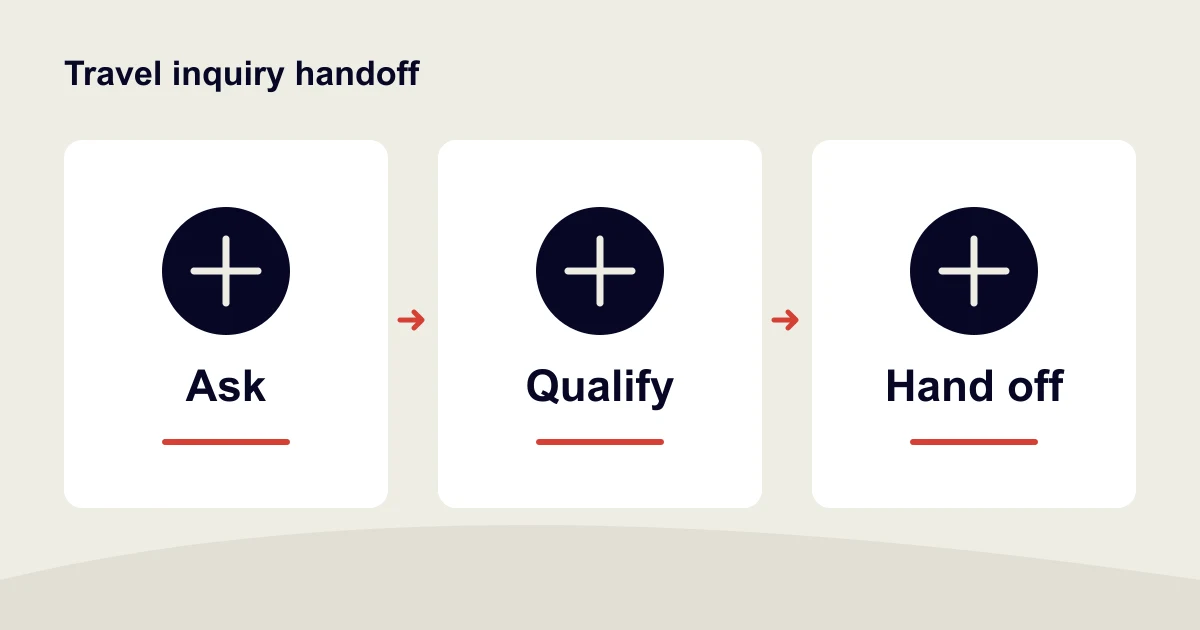
These three cards summarize the inquiry handoff. They do not depict the full sales pipeline, a product screen or an actual customer’s booking; the stage sequence is described above.
Review scoring and experiments with context
Professional and Premium include scoring, which can support an order for reviewing leads. A score should prompt a closer look at the inquiry, not substitute for checking the traveler’s requirements or the supplier’s ability to fulfill them.
Premium adds A/B testing and chat-field configuration. If you use an experiment, define the decision before starting it. An illustrative test might compare two opening questions while keeping the rest of the page stable. Review both the inquiries captured and whether the team can act on them; a conversation count alone is not a revenue result.
Connect the tool to a clear next step
Before adopting a lead-capture tool, walk through a representative inquiry from first message to human follow-up. Check which information reaches the team, what remains unanswered and where the next action is recorded. Our chatbot evaluation framework provides questions you can apply to TripLeads and other tools.
See the TripLeads overview and official product site for the current offering. Keep the decision tied to the workflow and plan you need, with a named person responsible for the next traveler conversation.
Author and publisher: Artyom Sklyarov, Co-Founder & CPO at LOVU Travel Inc. This product guide is published by the company behind RomanceDesk and TripLeads. About the publisher · Contact us about a correction.